Before you begin
Confirm an active workspace, an authorized owner or operator, and the asset ownership information required by your organization.
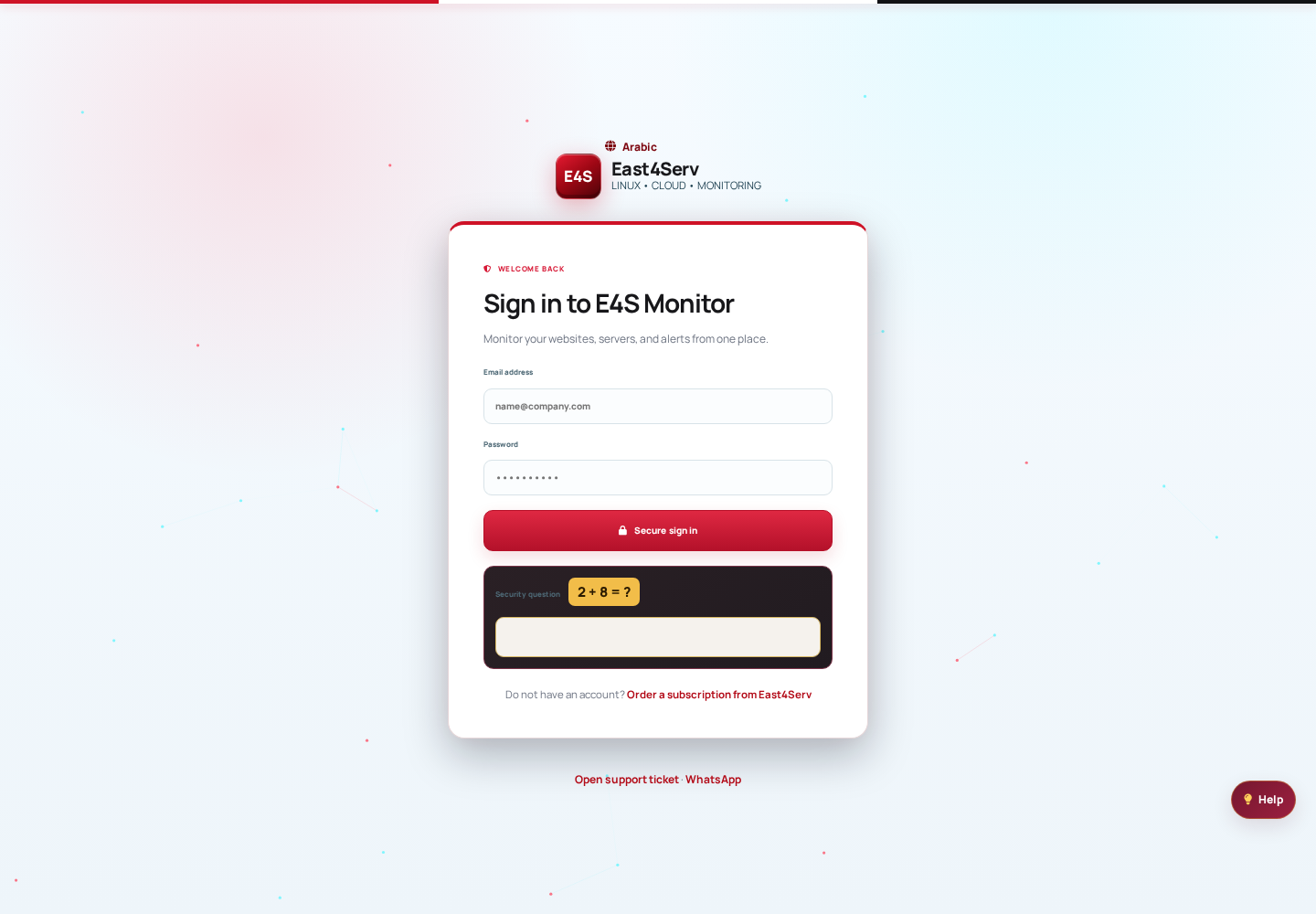 The public E4S Monitor sign-in surface. Use the supported authentication flow; never share credentials in screenshots.
First steps
- Open the control panel and select the intended workspace.
- Register a server, website, or service using the supported flow.
- Confirm the first heartbeat or check result before configuring alerts.
- Review permissions and notification preferences with the team.
Do not treat an unassessed asset as healthy. Check freshness and coverage alongside status.
Before taking action
← Back to documentationConfirm the active workspace, required permission, registered asset, and freshness of the data being used.